
RO Power Light Blinking But No Water: What's Wrong and How to Fix It?
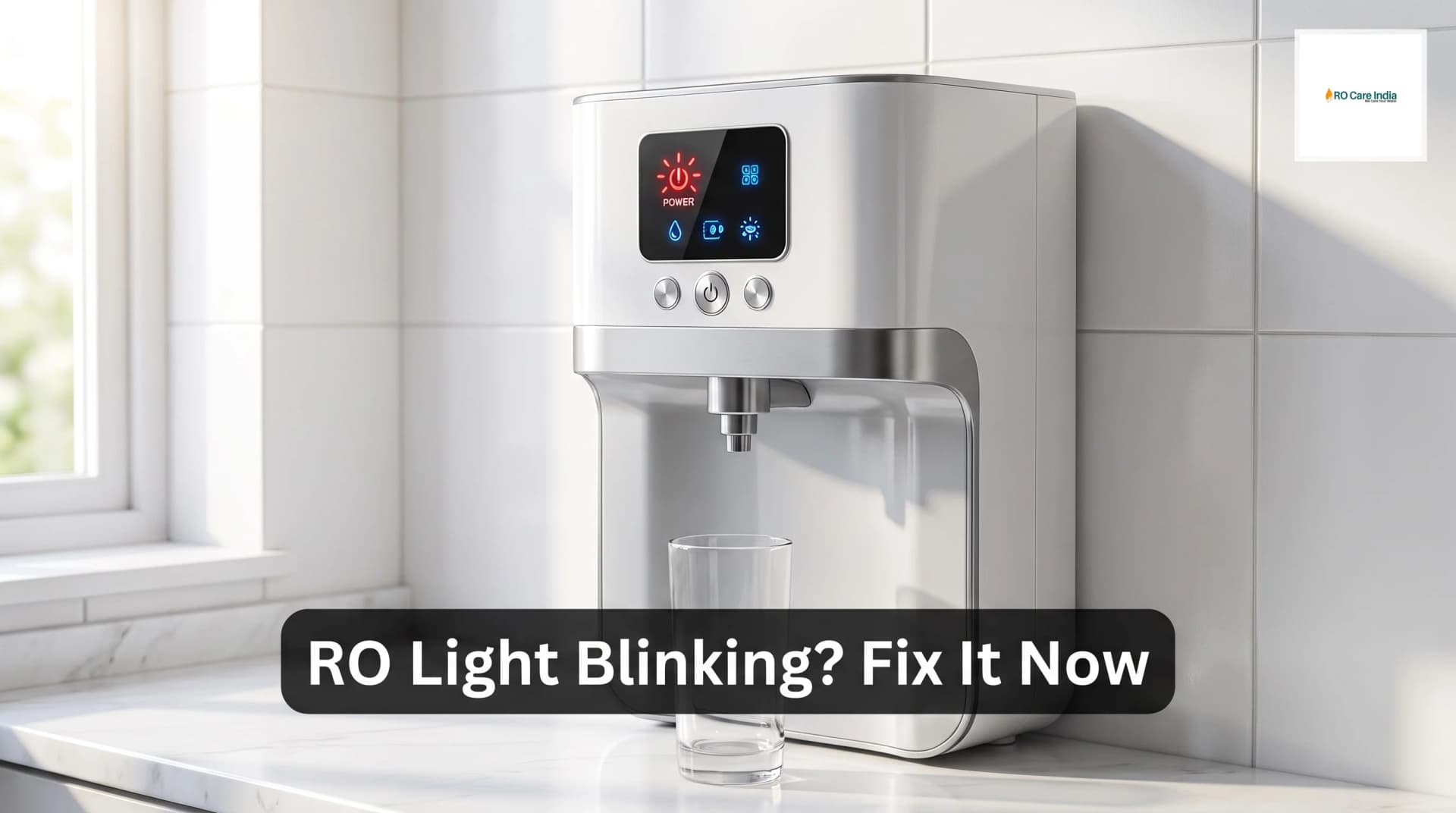
RO Power Light Blinking But No Water: What's Wrong and How to Fix It?
You turn on your RO water purifier expecting fresh, clean water, but all you see is the power light blinking continuously while the tap remains dry. This frustrating situation is more common than you think, and thousands of Indian households face this issue every day. The good news is that most of these problems can be diagnosed and often resolved without immediately calling for professional assistance. However, understanding when to reach out to ro service kolkata experts is equally important to prevent further damage to your system.
The blinking power light on your RO system is actually trying to communicate with you. It's the machine's way of saying something isn't functioning as it should. While this might seem alarming at first, especially if you depend entirely on purified water for drinking and cooking, the underlying causes are usually straightforward. From simple issues like water supply problems to more complex concerns involving membranes and filters, each potential cause has a solution. Modern RO systems are designed with these indicator lights specifically to help users identify problems quickly.
In this comprehensive guide, we'll walk through every possible reason why your RO power light is blinking but no water is dispensing. We'll cover the simplest checks you can perform yourself right now, along with more technical issues that might require professional intervention. Whether you're in a metropolitan area with easy access to service centers or in a smaller town where troubleshooting yourself becomes necessary, this article will equip you with the knowledge to handle the situation effectively.
Understanding these common problems not only saves you time and money but also helps you maintain your RO system better in the long run. By the end of this article, you'll know exactly what steps to take, when to attempt a DIY fix, and when it's time to contact ro customer care kolkata for expert assistance.
Understanding Your RO System's Indicator Lights
Before diving into troubleshooting, it's essential to understand what different light patterns on your RO purifier actually mean. Most modern RO systems come equipped with multiple indicator lights that serve as a communication interface between the machine and the user. The power light, specifically, is designed to show various states of operation through different blinking patterns.
A steady power light typically indicates normal operation where the system is purifying water and everything is functioning correctly. A blinking power light, however, signals an alert condition. Different RO brands may have slightly different signaling systems, but the blinking power light universally indicates that something is preventing the system from operating normally. Some systems blink slowly for certain issues and rapidly for others, while some models use different colors in combination with blinking patterns.
The most common alert that causes a blinking power light with no water output relates to the purification process being interrupted or unable to start. This could be due to water supply issues, pressure problems, or component failures within the system. Understanding this basic principle helps you approach the problem systematically rather than randomly trying different solutions.
Many users make the mistake of immediately unplugging and replugging the system or repeatedly pressing buttons, hoping the problem will resolve itself. While a simple restart sometimes works, it's better to follow a logical troubleshooting sequence. This systematic approach not only helps identify the problem faster but also prevents you from potentially causing additional issues by tampering with components unnecessarily.
Common Causes of Blinking Power Light With No Water
Low or No Input Water Supply
The most frequent culprit behind this problem is surprisingly simple – insufficient or completely absent input water supply to your RO system. Many people overlook this basic check because they assume if water is available elsewhere in the house, it must be reaching the RO unit. However, RO systems typically have a dedicated inlet connection that can get blocked, kinked, or turned off separately from your main water supply.
Start by checking if your main water supply is running normally. Open a regular tap near your RO system to verify water pressure and flow. If water flows normally from other taps but not through your RO, examine the inlet valve to your RO system. This small valve, usually located where the pipe connects to your RO unit, might be partially or fully closed. Sometimes family members accidentally turn these valves while cleaning or moving items in the kitchen area.
Inspect the inlet pipe for any kinks, bends, or blockages. Over time, pipes can get pressed against walls or trapped behind storage items, restricting water flow. If you have an overhead tank system, check whether the tank has sufficient water. Even if your main municipal supply is active, an empty overhead tank means no water reaches your RO. Additionally, if your area experiences frequent water supply interruptions, air locks can form in the pipes, preventing water from flowing properly even after supply resumes.
Low water pressure is another related issue. RO systems require minimum input pressure, typically between thirty to forty psi, to function correctly. If your home has naturally low water pressure or you live on an upper floor of a building, the water pressure reaching your RO might fall below the required threshold. In such cases, the system's sensors detect inadequate pressure and prevent operation, causing the power light to blink as a warning.
Clogged Pre-Filters
Pre-filters are your RO system's first line of defense, capturing sediment, dirt, rust, and larger particles before water reaches the delicate RO membrane. These filters work hard, especially in areas with poor municipal water quality, and they gradually accumulate debris until they become completely clogged. When pre-filters are blocked, water cannot pass through them at the rate required for purification, triggering the blinking power light.
Most RO systems have two or three pre-filters: a sediment filter, a pre-carbon filter, and sometimes an additional sediment or carbon block filter. The sediment filter, usually the first in line, bears the brunt of contamination and typically needs replacement every six to eight months, depending on your water quality. If you haven't replaced your filters recently, there's a high probability that clogged pre-filters are causing your problem.
Checking your pre-filters is relatively straightforward. Turn off the water supply and power to your RO system before opening the filter housings. When you remove the filter cartridges, you'll immediately notice if they're heavily soiled. A clogged sediment filter appears dark brown or black instead of its original white or light color. The carbon filter may look less obviously dirty but can still be saturated with contaminants that restrict water flow.
If you discover clogged filters, replacing them often resolves the blinking light issue immediately. However, if you're unsure about filter replacement procedures or if the filter housings are difficult to open, contacting a ro service center ensures proper replacement without damaging the system. Many service centers in Kolkata and other major Indian cities offer filter replacement as a standalone service, which is typically completed within thirty minutes.
RO Membrane Blockage
The RO membrane is the heart of your purification system, and when it becomes blocked or fouled, water production stops entirely. Unlike pre-filters that are designed to be replaced frequently, RO membranes typically last two to three years under normal conditions. However, poor maintenance, failure to replace pre-filters on time, or particularly hard water can cause membranes to fail prematurely.
A blocked RO membrane restricts water passage through its semi-permeable layer, drastically reducing or completely stopping purified water production. The system detects this reduced output and signals the problem through the blinking power light. Membrane blockage usually develops gradually, so you might have noticed declining water output over weeks or months before it stopped completely. If you ignored earlier signs like slow filling of the storage tank or reduced flow from the dispenser, complete blockage might now be the result.
Testing whether your membrane is the problem requires some technical knowledge. You can check the reject water drain line – if water flows from the drain but nothing comes to the purified water side, the membrane is likely blocked. However, this symptom can also indicate other issues, so professional assessment is often necessary. RO membranes cannot be cleaned effectively once fouled; they require replacement, which is a technical job best left to trained technicians.
Membrane replacement costs between fifteen hundred to three thousand rupees in India, depending on the brand and type of membrane your system uses. While this might seem expensive, consider that a good membrane protects your health by removing dangerous contaminants. Attempting DIY membrane replacement without proper knowledge can damage housing seals or incorrectly position the membrane, leading to contaminated output that defeats the entire purpose of having an RO system.
Auto Shut-Off Valve Issues
Your RO system includes an automatic shut-off valve that stops water production once the storage tank is full. This ingenious mechanism prevents water waste and protects the system from running continuously. However, when this valve malfunctions, it can remain in the closed position even when the tank is empty, preventing water production and causing the power light to blink.
The auto shut-off valve operates based on pressure sensing. When the storage tank reaches capacity, back pressure signals the valve to close. Sometimes, the valve gets stuck in the closed position due to sediment buildup, worn-out components, or mechanical failure. When stuck, the system thinks the tank is full even though it's actually empty, refusing to produce water regardless of how long you wait.
Diagnosing a faulty auto shut-off valve requires checking if the valve opens when you drain water from the tank. Try dispensing significant water from your RO system and listening carefully near the unit. You should hear the purification process start within a few minutes if everything works correctly. If silence persists and the power light continues blinking, the shut-off valve might be the culprit.
Fixing or replacing an auto shut-off valve is technical work that involves understanding your system's pressure dynamics. While some experienced users attempt this repair themselves, incorrect installation can lead to continuous drain water flow, wasting water and increasing your bills substantially. For most people, contacting professional technicians or your local service provider is the safer, more efficient option.
Storage Tank Problems
The storage tank plays a crucial role in your RO system's operation, and problems with the tank can manifest as a blinking power light with no water output. The most common tank-related issue is loss of air pressure in the tank's internal bladder. RO storage tanks have an air chamber that maintains pressure, helping push purified water out when you open the tap. When this air pressure drops below optimal levels, the system may interpret it as a system malfunction.
To check your storage tank's air pressure, you'll need a tire pressure gauge. First, shut off the water supply and RO system, then drain all water from the tank through the dispensing tap. Once completely empty, locate the air valve on the tank, usually found underneath and resembling a bicycle or car tire valve. The pressure should typically read between five to eight psi. If it reads lower, use a bicycle pump or air compressor to inflate the tank to the recommended pressure specified in your system's manual.
Another tank-related issue involves the tank's diaphragm or bladder failing completely. When this internal component ruptures, the tank cannot maintain proper pressure separation between water and air. This failure often results in no water output despite the tank containing water. You can identify a ruptured bladder by checking if water comes out from the air valve when you press it – if it does, the bladder has failed and the tank requires replacement.
Storage tank problems are often overlooked during troubleshooting because the tank appears fine externally. However, these internal issues significantly impact system performance. If you've verified all other components and the problem persists, have a technician check your storage tank thoroughly. Tank replacement costs between eight hundred to two thousand rupees depending on capacity, and it's a relatively simple job for trained professionals.
Step-by-Step Troubleshooting Guide
When faced with a blinking power light and no water, follow this systematic troubleshooting sequence to identify and potentially resolve the issue yourself before seeking professional help. Start with the simplest checks and progressively move to more complex diagnostics.
First, verify your basic water supply. Check if water flows normally from nearby taps and confirm your overhead tank has sufficient water. Examine the inlet valve to your RO system and ensure it's fully open. Look for any obvious kinks or damage in the inlet pipe. This initial check takes less than five minutes but resolves a surprising number of cases.
Second, inspect your pre-filters. Turn off the power and water supply to your RO system. Open the filter housings carefully, checking each filter cartridge for heavy soiling or visible blockage. If filters look dark, saturated, or you cannot remember when you last replaced them, install new filter cartridges. This is the most common user-serviceable fix that resolves the majority of blinking light issues.
Third, check your storage tank pressure. After shutting off water and power, drain the tank completely. Use a pressure gauge on the tank's air valve to verify pressure levels. If pressure is low, inflate to the recommended level. If water comes from the air valve, note this for the technician as it indicates bladder failure.
Fourth, reset your system completely. Sometimes, electronic controls glitch temporarily. After performing the above checks, turn off the RO system and unplug it from power for at least five minutes. Plug it back in, turn on the water supply, then power on the system. Wait fifteen to twenty minutes, giving the system time to purge air and begin normal operation. Monitor whether the blinking stops and water production starts.
If none of these steps resolve the issue, the problem likely involves components requiring professional attention such as the RO membrane, electronic control board, pressure switch, or auto shut-off valve. At this point, contact professional service providers who have the diagnostic tools and expertise to identify and fix these more technical problems. Attempting to repair these components without proper knowledge risks further damage and potentially voids any remaining warranty on your system.
When to Call Professional Help
While DIY troubleshooting resolves many RO problems, certain situations demand professional intervention from qualified technicians. Recognizing these situations prevents you from wasting time on ineffective fixes and protects your system from accidental damage during incorrect repair attempts.
Call a professional immediately if you've completed basic troubleshooting without success. If you've verified water supply, replaced filters, checked tank pressure, and reset the system but the blinking continues with no water output, the issue involves internal components requiring specialized knowledge and tools. Technicians have pressure testing equipment, water quality meters, and spare parts that average users don't possess.
Contact professional help if you notice water leaking from your RO system while attempting repairs. Leaks indicate seal problems, cracked housings, or incorrectly installed components. Continuing to operate a leaking system can cause water damage to your kitchen and potentially create electrical hazards if water contacts the system's electrical components. Professional technicians can identify leak sources and perform proper repairs with the right replacement parts.
Seek professional assistance if your RO system is still under warranty. Attempting repairs yourself almost certainly voids manufacturer warranties. If your system is relatively new or you purchased an extended warranty, use the manufacturer's authorized service network. They'll honor warranty coverage for parts and labor, saving you significant money compared to paying out-of-pocket for component replacement.
Consider professional maintenance if you've never had your RO system serviced. Annual maintenance by trained technicians catches developing problems before they cause complete system failure. During maintenance visits, technicians replace all filters, check membrane condition, test water quality, verify pressure levels, sanitize the system, and adjust settings for optimal performance. This preventive approach is far more cost-effective than emergency repairs when systems fail completely.
Preventive Maintenance Tips
Preventing the blinking power light problem is far easier and less expensive than fixing it after it occurs. Implementing a regular maintenance schedule keeps your RO system functioning optimally and extends the lifespan of expensive components like the RO membrane.
Replace pre-filters on schedule, typically every six to twelve months depending on your water quality. Mark your calendar or set phone reminders for filter replacement dates. Keeping spare filter cartridges at home ensures you can replace them immediately when needed rather than waiting for delivery or store visits. Regular filter changes protect your RO membrane from premature fouling, potentially extending its life from two years to three or even four years.
Related Blogs
- Why RO Filter Change Indicator Not Working in Kolkata: What to Check?
- Why Does My RO Water Taste Different After Filter Change?
- RO Booster Pump Failure in Kolkata: How to Fix It?
- Why RO Display Panel Not Responding in Kolkata: How to Fix it?
- Why Is My RO Purifier Leaking From the Tap in Kolkata and How to fix it?