
Why RO Display Panel Not Responding in Kolkata: How to Fix it?
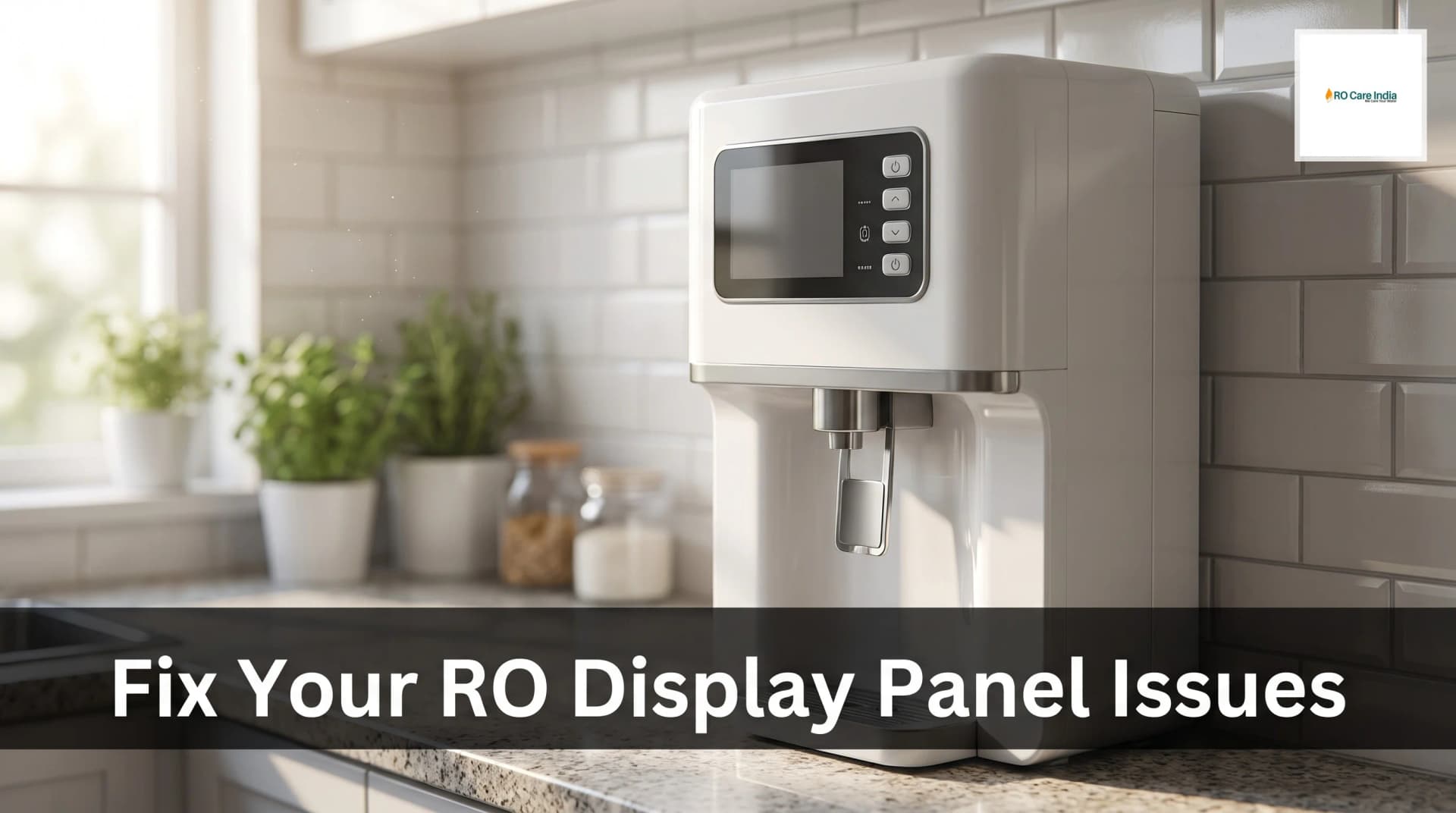
Why RO Display Panel Not Responding in Kolkata: How to Fix it?
Have you ever walked up to your RO water purifier expecting a glass of clean water, only to find the display panel completely unresponsive? This frustrating situation is more common than you might think, especially in cities like Kolkata where humidity and power fluctuations can affect electronic components. When your RO display panel stops responding, it can disrupt your entire household's access to purified water. Understanding why this happens and knowing how to fix it can save you time, money, and the inconvenience of searching for immediate professional help. Whether you need ro service kolkata assistance or prefer to troubleshoot the problem yourself, this comprehensive guide will walk you through every possible solution.
The display panel on your water purifier serves as the brain of the system, controlling filtration stages, alerting you about filter changes, and indicating water quality. When this critical component malfunctions, it doesn't necessarily mean your entire purifier is damaged. Often, the issue stems from simple electrical problems, loose connections, or software glitches that can be resolved without replacing expensive parts. Kolkata's unique climate conditions, with high humidity levels reaching 80-90 percent during monsoons and frequent voltage fluctuations during summer, create the perfect storm for electronic malfunctions in home appliances.
Many residents in Kolkata face this issue during the rainy season when moisture seeps into electronic circuits, causing temporary or permanent damage. Additionally, the city's aging electrical infrastructure in certain areas means voltage spikes and drops are common occurrences that can affect sensitive electronic displays. Before panicking and calling for expensive repairs, it's worth understanding the common causes behind non-responsive RO display panels and attempting some basic troubleshooting steps that might resolve the issue within minutes.
This guide focuses specifically on helping Kolkata residents identify why their RO display panel has stopped responding and provides practical, step-by-step solutions to fix the problem. From simple power resets to understanding when you absolutely need to contact a ro service center, we'll cover everything you need to know to get your water purifier's display functioning again.
Common Causes of RO Display Panel Malfunction
Understanding what causes your RO display panel to stop responding is the first step toward fixing the problem. Several factors unique to Kolkata's environment and general technical issues can contribute to this malfunction. Power supply problems rank among the most common culprits, especially in areas of Kolkata that experience frequent load shedding or voltage irregularities. When the voltage drops below the required level or spikes suddenly, the display panel's delicate circuitry can suffer temporary or permanent damage.
Moisture infiltration presents another significant challenge for RO systems in Kolkata. During the monsoon months from June to September, humidity levels soar, and water droplets can find their way into the electronic compartments of your water purifier. Even a small amount of moisture on the circuit board can cause short circuits or corrosion over time, leading to display panel failures. This is particularly common in purifiers installed in kitchens without proper ventilation or in areas close to cooking zones where steam accumulates.
Loose or corroded connections often develop gradually over time. The constant vibration from the RO pump, temperature fluctuations, and general wear and tear can loosen wire connections between the display panel and the main circuit board. In Kolkata's coastal climate, metallic connectors are especially prone to corrosion, which can interrupt the electrical signals needed for the display to function properly. Regular maintenance checks can prevent these issues, but many homeowners overlook this aspect until problems arise.
Software glitches and firmware issues can also cause display panels to freeze or become unresponsive. Modern RO systems use microcontrollers that run software to manage various functions. Sometimes, these systems encounter errors similar to how computers or smartphones might freeze, requiring a simple reset to restore normal operation. Other technical causes include damaged display screens, failed capacitors on the circuit board, blown fuses, and malfunctioning touch sensors or buttons that prevent the display from responding to user inputs.
Step-by-Step Troubleshooting Guide
Before reaching out to ro customer care number kolkata services, try these systematic troubleshooting steps that can often resolve display panel issues without professional intervention. Start with the simplest solution: perform a complete power reset of your RO system. Turn off the purifier using its main power switch, then unplug it completely from the electrical outlet. Wait for at least five to ten minutes to allow all capacitors to discharge fully and the system's memory to clear. This waiting period is crucial as it ensures the microcontroller resets completely. After waiting, plug the system back in and turn it on. Many users find that this simple reset restores display functionality immediately.
Check all power connections thoroughly. Examine the power cable for any visible damage, cuts, or exposed wires that might indicate electrical problems. Ensure the plug is firmly inserted into the outlet and that the outlet itself is functioning by testing it with another device. In Kolkata, where older buildings may have loose electrical sockets, this step is particularly important. If your RO system uses a power adapter, check both ends of the adapter connection, as these can sometimes become loose over time.
Inspect for moisture damage by carefully examining the area around the display panel. Look for any signs of water droplets, condensation, or mineral deposits that suggest moisture has entered the electronic compartment. If you notice any dampness, immediately disconnect the power supply and allow the system to dry completely in a well-ventilated area for at least 24 hours. You can also use a hair dryer on cool setting to gently remove moisture, but never apply direct heat as this can damage electronic components further.
Test the individual buttons or touch sensors on the display panel. Sometimes only specific buttons malfunction while the display itself works fine. Press each button firmly and observe if any response occurs. If certain buttons work while others don't, the issue might be isolated to specific switches rather than the entire display panel. Clean the panel surface gently with a soft, slightly damp cloth to remove any dirt or residue that might be interfering with touch sensitivity.
Check internal connections if you're comfortable opening the purifier's cover panel. Always disconnect power first before attempting this. Look for any loose wire connections, particularly those leading to the display panel. Gently press connectors to ensure they're firmly seated. If you notice any green or white corrosion on metal contacts, carefully clean them with a cotton swab dipped in isopropyl alcohol. However, if you're not confident about handling internal components, it's better to contact a professional rather than risk causing additional damage.
When to Call Professional RO Service
While many display panel issues can be resolved through basic troubleshooting, certain situations require professional expertise from qualified technicians. Knowing when to call for help can prevent you from wasting time on unfixable problems or accidentally causing more damage to your system. If you've attempted all basic troubleshooting steps including power resets, connection checks, and drying procedures, but the display remains completely unresponsive for more than 24 hours, it's time to seek professional assistance.
Physical damage to the display screen itself, such as cracks, dark spots, or visible burn marks, indicates that the component needs replacement rather than repair. These issues cannot be fixed through troubleshooting and require genuine replacement parts installed by trained technicians. Similarly, if you notice any burning smell coming from the RO system or observe smoke, immediately disconnect the power and call for emergency service, as these symptoms suggest serious electrical faults that pose fire hazards.
Persistent error codes or strange display behaviors, such as randomly flickering numbers, incorrect readings, or partial display visibility, often point to circuit board failures that require technical diagnosis and repair. Professional technicians have specialized testing equipment to identify faulty components on the main board and can replace individual parts rather than the entire system. If your water purifier is still under warranty, attempting DIY repairs beyond basic troubleshooting may void that warranty, so it's advisable to contact authorized service centers for any internal repairs.
Recurring display problems that temporarily resolve but return within days or weeks indicate underlying issues that need permanent solutions. This pattern often suggests loose connections that need proper securing, component degradation that requires replacement, or environmental factors that need addressing through better installation practices. Professional technicians can not only fix the immediate problem but also identify root causes and implement preventive measures.
The cost of professional RO display panel repair in Kolkata typically ranges from Rs. 500 to Rs. 2,500, depending on the brand, model, and extent of damage. Simple connection repairs or software resets usually cost between Rs. 500-800, while display panel replacements can range from Rs. 1,500-2,500. Circuit board repairs fall somewhere in between, averaging Rs. 1,200-1,800. Always request a detailed estimate before authorizing repairs and ensure the service center provides genuine replacement parts with warranty coverage.
Preventive Maintenance Tips for Kolkata Climate
Preventing display panel problems is significantly easier and more cost-effective than dealing with repairs. Given Kolkata's challenging climate conditions, implementing specific maintenance practices can extend your RO system's lifespan and minimize electronic malfunctions. Install your water purifier in a dry, well-ventilated location away from direct moisture sources. Avoid placing it directly under kitchen cabinets where steam from cooking can accumulate or near windows that allow rain splash during monsoons.
Use a voltage stabilizer specifically designed for water purifiers to protect against Kolkata's frequent power fluctuations. A good quality stabilizer costing between Rs. 800-1,500 can prevent damage worth thousands of rupees. Ensure the stabilizer has a voltage range appropriate for your area's typical fluctuations, generally 140V-280V for most Kolkata neighborhoods. This investment proves invaluable during summer months when air conditioner loads cause neighborhood voltage drops and during storms when lightning-induced surges occur.
Schedule regular professional servicing every six months, which should include cleaning, inspection of electrical connections, and preventive checks of the display panel circuitry. During these service visits, technicians can identify potential problems before they cause system failures. Many providers offer annual maintenance contracts that include multiple visits at discounted rates, typically ranging from Rs. 1,500-3,000 per year depending on the purifier model.
Keep the external surface of your RO system clean and dry at all times. Wipe down the display panel weekly with a soft, dry cloth to remove dust and moisture. During monsoon season, increase this frequency to every few days. Never spray cleaning liquids directly onto the display panel; instead, slightly dampen the cloth and wring it thoroughly before wiping. Ensure no water droplets remain on the panel after cleaning.
Protect your RO system during extended power cuts common in summer by turning off the main switch rather than leaving it in standby mode. This practice prevents potential damage when power suddenly returns, which often happens with voltage spikes that can damage sensitive electronics. If you're leaving home for extended periods, especially during monsoon season, disconnect the RO system completely from the power source to protect against lightning strikes and power surges during storms.
Understanding Display Panel Components and Functions
Modern RO water purifiers feature sophisticated display panels that serve multiple functions beyond simply showing on/off status. Understanding these components helps you better diagnose problems and communicate effectively with service technicians when professional help becomes necessary. The typical RO display panel consists of an LED or LCD screen, a microcontroller chip that processes information, touch sensors or physical buttons for user input, indicator lights for various functions, and connecting wires that link the panel to the main circuit board.
The microcontroller acts as the brain of the display system, receiving data from various sensors throughout the RO unit including water flow sensors, TDS meters, filter life monitors, and pressure switches. It processes this information and presents it on the display in user-friendly format. When this component fails due to voltage spikes or moisture damage, the entire display becomes unresponsive even if the physical screen remains intact. Microcontroller failures typically require circuit board-level repairs or replacement of the main control board.
LED indicator lights on the display panel provide quick visual feedback about system status. Common indicators include power on/off status, purification in progress, tank full status, filter replacement alerts, and error warnings. Each LED connects to the circuit board through separate pathways, so individual LED failures don't necessarily indicate complete display panel problems. If only certain indicators stop working while the main display functions normally, the issue might be isolated to specific LEDs or their connecting circuits.
Touch-sensitive panels have become increasingly common in modern RO systems, replacing traditional push buttons. These panels use capacitive or resistive touch technology that can be affected by moisture, dirt buildup, or calibration issues. When touch panels become unresponsive, the problem might lie in the touch sensor overlay rather than the display itself. Professional recalibration or sensor replacement usually resolves these issues. Some advanced RO systems also include smartphone connectivity features, allowing remote monitoring and control through mobile apps, adding another layer of complexity to troubleshooting.
Comparison of Display Panel Issues and Solutions
| Problem Type | Common Causes | DIY Solution Possible | Professional Repair Cost | Repair Timeframe |
|---|---|---|---|---|
| Complete Blank Display | Power supply failure, blown fuse, loose connections | Yes - check power connections and reset | Rs. 500-1,200 | Same day |
| Flickering Display | Voltage fluctuations, loose connections, capacitor issues | Partially - install stabilizer | Rs. 800-1,500 | 1-2 days |
| Unresponsive Buttons | Dirt buildup, moisture damage, worn buttons | Yes - clean panel surface | Rs. 600-1,000 | Same day |
| Incorrect Readings | Sensor malfunction, software glitch, calibration issues | Partially - try system reset | Rs. 1,000-2,000 | 2-3 days |
| Cracked Screen | Physical impact, manufacturing defect | No - requires replacement | Rs. 1,500-2,500 | 3-5 days |
| Partial Display Visibility | LED backlight failure, LCD damage | No - component replacement needed | Rs. 1,200-2,200 | 2-4 days |
This comparison table helps you quickly assess whether your specific display panel problem might be fixable through DIY methods or requires professional intervention. It also provides realistic expectations about repair costs and timeframes in the Kolkata service market, helping you make informed decisions about whether to attempt repairs yourself or immediately contact a service provider.
Finding Reliable RO Service in Kolkata
Locating trustworthy service providers in Kolkata ensures your display panel issues get resolved effectively without unnecessary expenses or repeated problems. Start by contacting your RO manufacturer's authorized service center, as these technicians receive specific training for your purifier model and use genuine replacement parts. Authorized centers also maintain your warranty validity, which is crucial if your system is still covered under manufacturer warranty terms.
Check online reviews and ratings before selecting a local service provider. Many Kolkata-based RO service companies have established reputations that can be verified through Google reviews, social media feedback, and consumer forums. Look for service providers with consistent positive ratings over time rather than just recent reviews. Pay attention to comments about technician expertise, pricing transparency, quality of spare parts used, and post-service support.
Request detailed service reports after any repair work. Professional service centers should provide written documentation explaining what was wrong, what repairs were performed, which parts were replaced, and recommendations for preventing future issues. This documentation proves valuable for warranty claims, helps you track your RO system's service history, and provides accountability from the service provider. Keep these reports organized in a dedicated file for easy reference.
Related Blogs
- Why Is My RO Purifier Leaking From the Tap in Kolkata and How to fix it?
- Why RO Red Light Blinking in Kolkata: What It Means and How to Fix It
- Why RO Dripping Constantly in Kolkata: Common Causes Explained
- RO UV Light Not Working in Kolkata: Common Reasons and How to Fix it
- RO Purifier Air Lock Problem in Kolkata: How to Identify and Fix It?